
Download Google Buzz Desktop – Google Buzz, social network, desktop app, real-time updates, Adobe Air, social media, Google, desktop integration
Overview
Google Buzz Desktop is a dedicated desktop application designed to enhance user engagement with the Google Buzz social network. Built for Windows users, it offers a streamlined, browser-independent experience that brings real-time social updates directly to the desktop. The app was released in February 2010 as part of Google’s broader initiative to integrate social features across platforms, providing a more immersive way to interact with Buzz content. Its primary purpose is to deliver frequent updates to a user’s Buzz feed—refreshing every two minutes—ensuring minimal delay between new posts and user visibility.
The target audience includes individuals who value constant connectivity with their social circles, particularly those already using or exploring Google Buzz. It is especially beneficial for users who prefer desktop-based workflows over web browsers, seeking a cleaner interface without tab clutter or interruptions. The application serves as a bridge between the web-based Buzz service and the desktop environment, improving accessibility and engagement.
As a product developed by Google, the app reflects the company’s early focus on integrating social tools into everyday digital experiences. Although the developer did not provide additional technical details, its reliance on Adobe Air suggests a cross-platform development strategy aimed at simplifying deployment. Real-world use cases include monitoring social updates during work hours, staying informed about friend activity, or using the app as a central hub for social media interaction on a desktop.
Key Features & Functionality
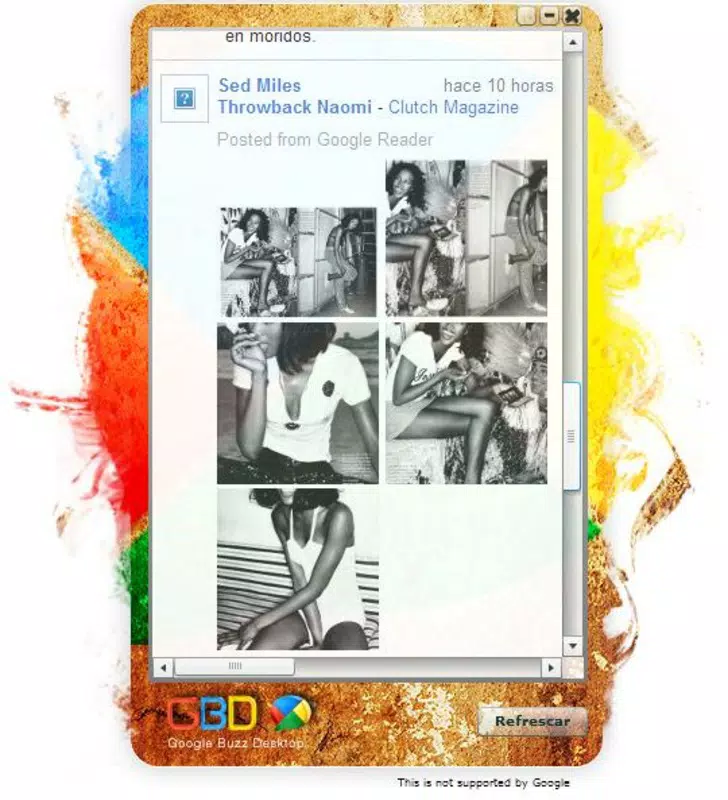
- Colorful Interface: Inspired by the Google logo, the app features a vibrant visual design that enhances user engagement. The bright layout is not only visually appealing but also functional, helping users quickly identify new content and navigate the feed.
- Real-Time Feed Updates: The application refreshes the Buzz feed every two minutes, ensuring users receive timely updates on posts, likes, and comments. This frequent update cycle supports active participation in real-time social interactions.
- Standalone Operation: Unlike browser-based access, Google Buzz Desktop functions independently, eliminating the need to keep a web tab open. This improves performance and reduces distractions, offering a focused social experience.
- Adobe Air Integration: Built on Adobe Air, the app handles installation and dependency management automatically. If Adobe Air is not installed, the setup process includes a silent download and installation, simplifying the user onboarding experience.
- User-Friendly Onboarding: Designed with new users in mind, the app provides a welcoming interface that reduces the learning curve. The intuitive layout and automatic updates make it easy for first-time Buzz users to start interacting with the platform.
For example, a user working on a project can keep the app running in the background, receiving immediate notifications of updates from colleagues or friends without switching between applications. Similarly, students or professionals can use it to stay informed about community discussions or trending topics on Google Buzz.
Interface, UX & Performance
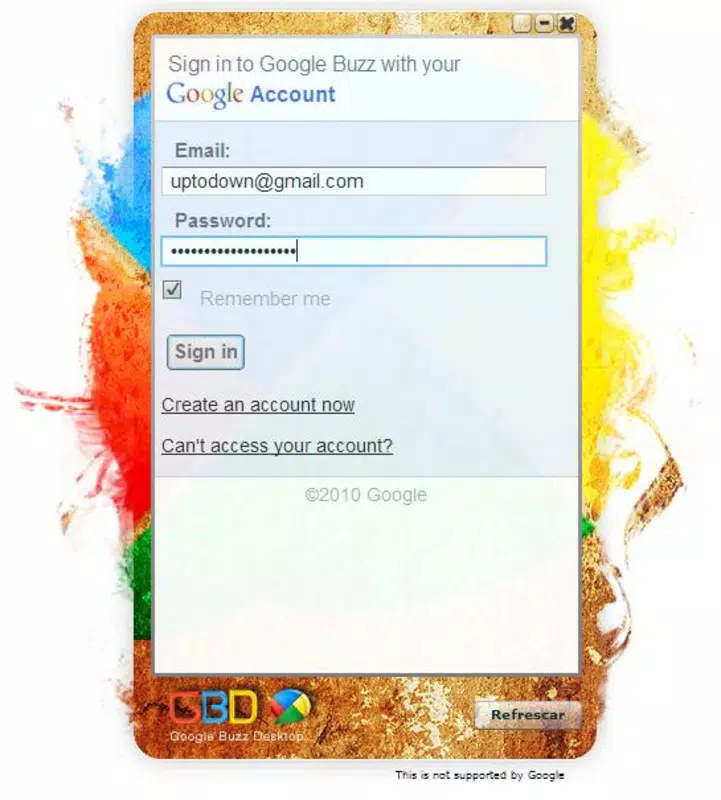
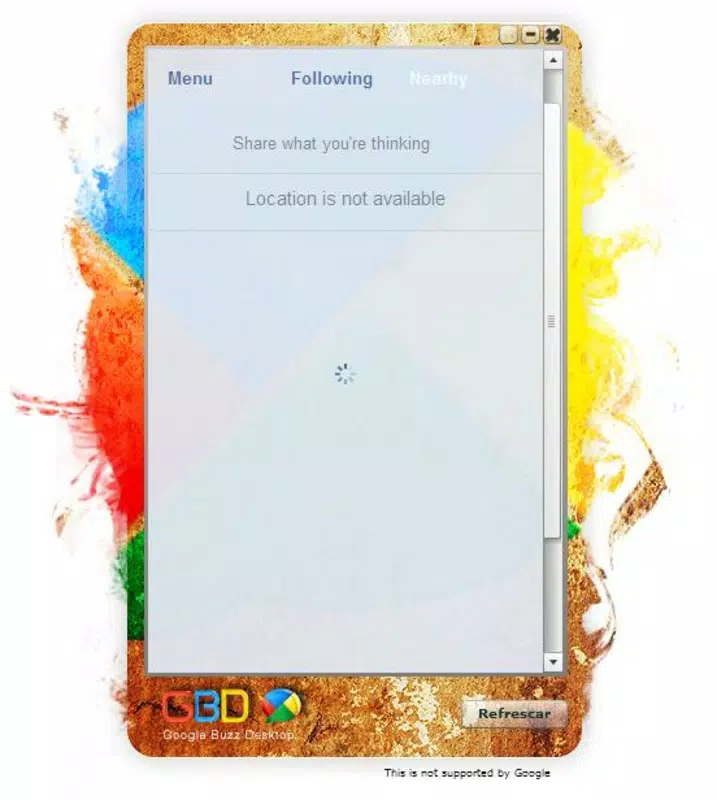
The interface of Google Buzz Desktop is characterized by a clean, colorful layout that aligns with the visual identity of Google’s ecosystem. The design emphasizes usability, with clearly labeled sections for feed content, user profiles, and interaction buttons. Navigation is straightforward, relying on a linear feed structure that allows users to scroll through updates with minimal effort.
Although the developer did not list formal performance metrics, the app’s standalone nature suggests optimized resource usage. By operating outside the browser environment, it reduces memory overhead and prevents conflicts with other web processes. The integration with Adobe Air also contributes to stability, as the runtime environment handles many underlying system interactions.
Responsiveness is expected to be consistent across standard desktop configurations, though specific requirements were not disclosed. The app appears to maintain a smooth experience on devices with average processing power and memory, given its relatively small file size of 15.4 MB. However, compatibility information was not fully disclosed, and users on older Windows systems may encounter limitations.
Platform Compatibility & Technical Requirements
Google Buzz Desktop is designed exclusively for the Windows platform. The app requires Adobe Air to function, which is automatically installed during setup if not already present. The software version is 1.0.0, released on February 23, 2010, and the file size is 15.4 MB.
While the developer did not specify minimum OS requirements, the app was released during a period when Windows XP, Vista, and 7 were widely used. Users are advised to ensure their system supports Adobe Air, though no explicit compatibility details were provided. The absence of information about iOS or macOS availability confirms that this is a Windows-only application.
Pros and Cons
Pros
- Standalone desktop application with no browser dependency
- Real-time feed updates every two minutes
- Visually engaging and user-friendly interface
- Automatic Adobe Air installation simplifies setup
- Designed with new users in mind for easy onboarding
Cons
- Platform limited to Windows; no support for macOS or Linux
- App is no longer actively maintained (released in 2010)
- No official support for newer Windows versions beyond initial release
- Reliance on Adobe Air, which is no longer widely supported
- Outdated technology stack may cause compatibility issues on modern systems
FAQ
Is Google Buzz Desktop available for free?
Yes, the app is free to download and install. There are no subscription fees or in-app purchases.
Does the app require Adobe Air to run?
Yes, Google Buzz Desktop is built on Adobe Air. If Adobe Air is not installed, the setup process will automatically install it.
Can I use Google Buzz Desktop on macOS or Linux?
Based on the available information, the app is only compatible with Windows. There is no official support for macOS or Linux.
Is the app still secure to use?
While the app was secure at the time of release, it has not been updated since 2010. Given the age and reliance on outdated technology, it may pose security risks on modern systems.
How often does the feed update?
The app refreshes the Buzz feed every two minutes, ensuring users receive timely updates on new posts and interactions.
Final Thoughts
Google Buzz Desktop was a pioneering effort to bring social media functionality directly to the desktop environment. Its vibrant design, real-time updates, and seamless integration with Adobe Air made it a compelling choice for early adopters of Google Buzz. While it remains a notable example of early desktop social integration, its age and lack of ongoing support limit its practicality today.
For users interested in historical software or those exploring legacy Google tools, it may still serve as a functional curiosity. However, modern alternatives offer better performance, security, and cross-platform support. Despite this, the app’s design principles—simplicity, real-time engagement, and desktop integration—remain relevant in today’s mobile-first world.
Download Google Buzz Desktop now


